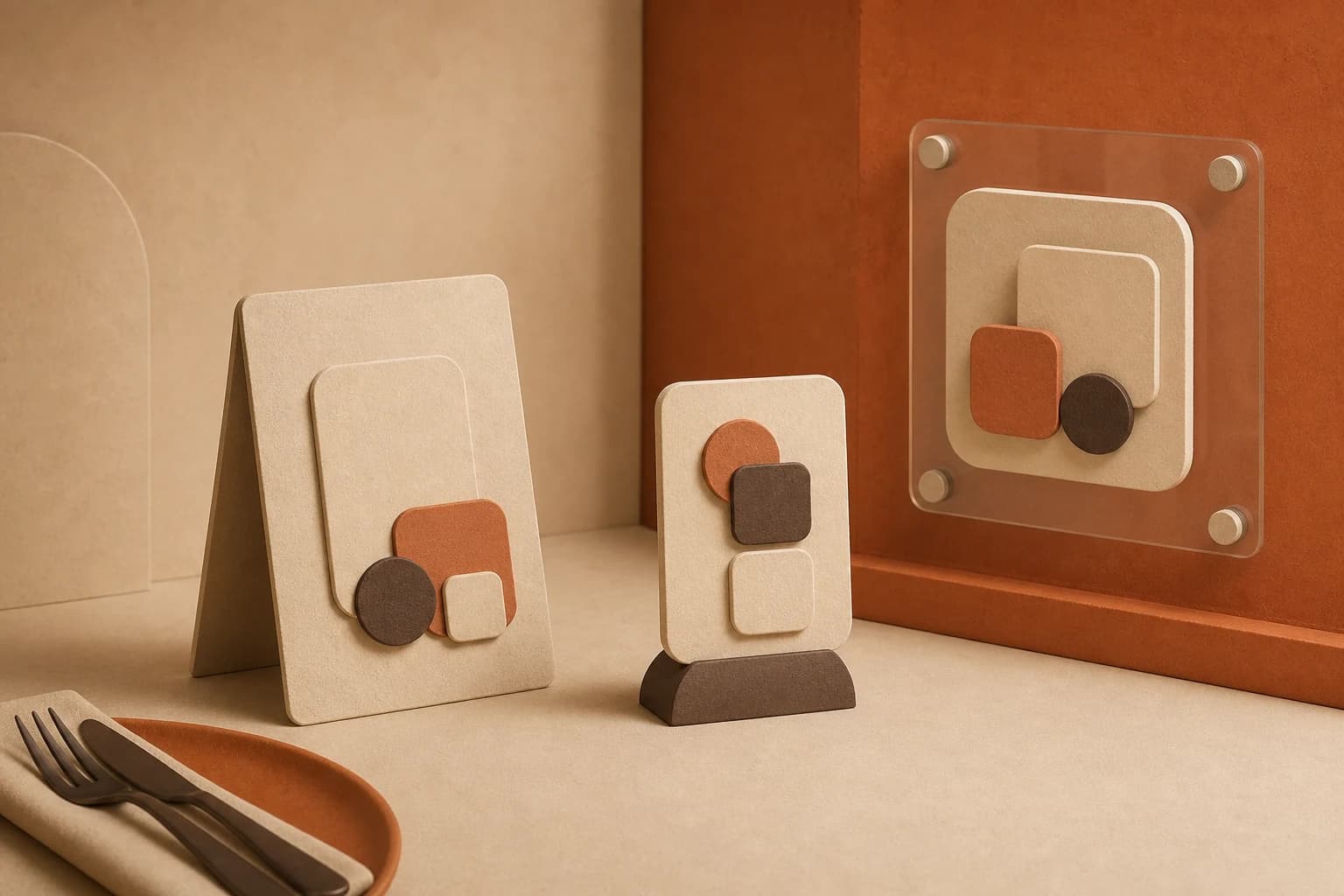
A guest sits down, runs their eyes over the table, spots the code, reaches for their phone. That chain takes four seconds, and if one link is missing they wave for a paper menu instead. QR code placement in a restaurant is not decoration — it decides whether the menu gets read. This is the physical half of the job: materials, sizes in centimetres, light, weather and the right spot for your room.
Start with the distance, not with the sticker
Every placement decision follows from one number: how far the phone will be when someone tries to scan. The working rule from print is roughly ten to one — the printed width of the code should be at least a tenth of the longest distance it will be scanned from. Everything else is detail.
- Seated at a table, phone 30 to 50 cm away: a 4 to 5 cm code. Print 5 — the extra centimetre costs nothing and forgives a shaky hand.
- Counter or bar, scanned from 60 to 80 cm in the queue: 8 cm.
- Wall or A5 card at standing height, 1 to 1.5 m: 12 to 15 cm.
- Window read from the pavement at 1.5 to 2.5 m: 20 to 25 cm, at adult eye level, roughly 150 cm off the ground.
- A-frame on the street, scanned from 3 m as people walk past: 30 cm and up.
Two details decide the rest. Leave a quiet zone — a clean margin around the code about as wide as four of its little squares, a good half centimetre on a table code. And keep it dark on light. A light code on a dark background, a code on a photo, a code tinted to match your brand: all of them cost scans the moment the light drops, and low light is the normal state of dinner service.
Table tent, sticker, acrylic stand, poster: what each one is for
No carrier is best in general — only best for the surface you have and the way your guests sit.
- Table tent: the workhorse of full service. Centre of the table, eye height, visible before anyone sits down. Fold it so the code shows on both faces — nobody should have to turn it. A5 folded is generous, A6 eats less table.
- Adhesive sticker: flat, cheap, and it never walks off. Best on bar tops, counters, tray returns and the table corner where a tent would be in the way. The catch: it lies at the angle of the surface, so on a low table it gets scanned on a slant. Print it one size up.
- Acrylic stand: the tent that survives a busy week. A6 or A7 inserts, a weighted base that does not tip when the table gets bumped, and a card you swap yourself in seconds.
- Poster or framed card: for the waiting area, the corridor, the wall beside the counter. Pair the code with three signature dishes and the price range so it works even for people who never scan.
- Window decal: the only placement that brings guests who have not walked in yet. Print it mirrored for the inside of the glass so it survives weather. It is read through a reflection — big code, no fine print.
- Check presenter or receipt: the quiet one. A code on the bill folder earns scans after the meal, when guests look up what was in the dish or what the wine was.
Light and glare: the most common reason a scan fails
When a code refuses to scan, the size is usually fine and the finish is the culprit. Glossy lamination under a spotlight throws a white patch across the pattern, and the phone camera, already struggling in a dim room, gives up. Matte is the default: matte lamination, or uncoated card around 300 g/m2 that stands up on its own.
Then walk your own room at the busiest hour. Sit under the pendant light and scan. Sit in the dark corner and scan again. When a candle turns the tent into a mirror, move the tent, not the code. On glass tables the reflection wins every time — use a stand that lifts the code off the glass and tilts it away from the light.
Outdoors: terrace, street and weather
Outside, a printed sheet lasts a fortnight. Laminate anything that will spend a season on the terrace, or print straight onto weatherproof vinyl or PVC, and pick stands with weight — a light tent ends up under the neighbouring table with the first gust.
Sun is the slower enemy. Colour fades unevenly, and a code in your brand tint reaches August as a pale grey, exactly when the terrace is full. Print it solid black on white, in the shade of the awning. On an A-frame at the door the code belongs at the top: at the bottom it sits below eye level and behind whoever is already reading.
QR code placement by restaurant type
- Full-service restaurant: one tent or stand per table, dead centre, plus a code on the check presenter. Twelve tables, one afternoon.
- Cafe or bakery: a sticker at the till and a second where the queue starts, so people choose while they wait rather than at the front.
- Bar or pub: stickers a metre apart along the bar top, tents on the standing tables. In a dark bar, one size up and matte.
- Hotel breakfast or guest rooms: a small stand on each table, plus a card in the room folder if the menu is worth a look upstairs.
- Food truck or market stall: one big code on the service window, 20 cm and up, high enough to read over the head of the person ordering.
- Terrace or beer garden: weatherproof, weighted, and never on the umbrella pole where half the table cannot see it.
Print once, thanks to the code behind the print
The biggest placement mistake is not physical at all. It is what the code points to. Many QR generators encode your menu's web address directly, so the moment you rename the menu or move to a custom domain, every printed tent, sticker and decal dead-links. yourmenu.app codes encode a permanent short link instead — rename it, redesign it, move it to your own domain, and today's print keeps working.
That also means one code everywhere: the same artwork on tents, counter sticker, window and bill folder, none of it ever replaced because the menu changed. Resist the urge to build a code per table — that is twenty prints to maintain for data that scan analytics already gives you on the Premium plan.
The ten-minute test before you print a hundred
- Print exactly one, at final size, on the final material. Not a screen mock-up.
- Scan it with the oldest phone in the building. If a three-year-old Android reads it from the seat, everyone will.
- Test at the real distance and angle: sitting, leaning back, not hovering over it.
- Test at the darkest table and the brightest one, with the lights set the way they are at dinner.
- Put it in place, then ask someone who has never seen it to find the menu unaided. More than five seconds means move the carrier — not shrink the text.
- Look again a week later. Tents get pushed aside, stickers wiped over, decals covered in fingerprints exactly where the code sits.
Getting placement right costs almost nothing; getting it wrong costs real money, because the wrong version is already printed. Measure the distance, pick the carrier, stay matte, test one before ordering a hundred. And make sure the code is one you never have to reprint: a complete menu with allergen tags and your permanent QR code sit in the free plan, no credit card. Print once, leave it alone.